In order to be eligible for exclusive benefits and higher withdrawal limits, please ensure your identity verification is complete. Here’s how to verify your account!
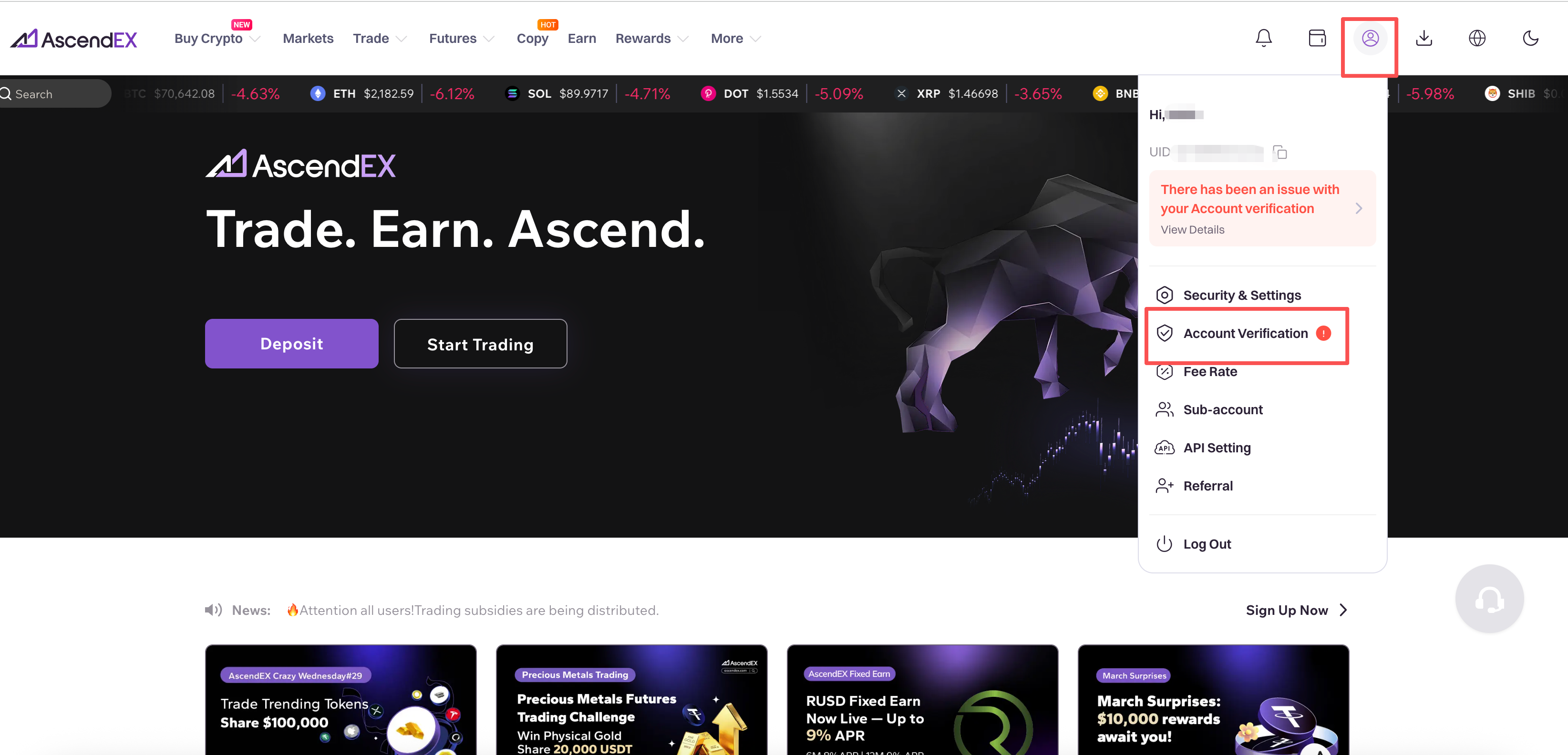
1.Visit ascendex.com and click on profile icon in the upper right corner of the homepage. Then click on [Account Verification].
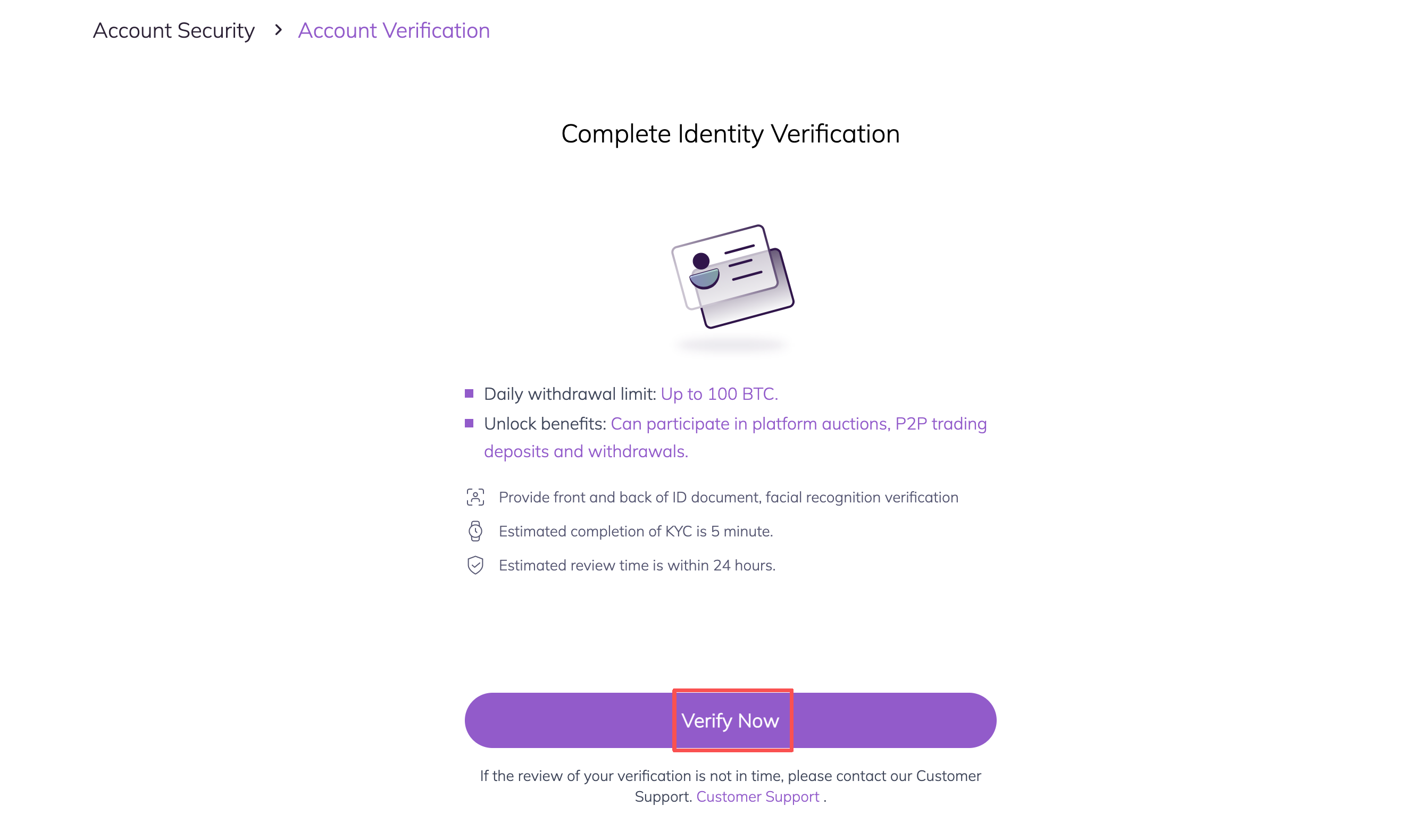
2.Click on [Verify Now] to begin the verification process. This will take you to your Personal Information page.
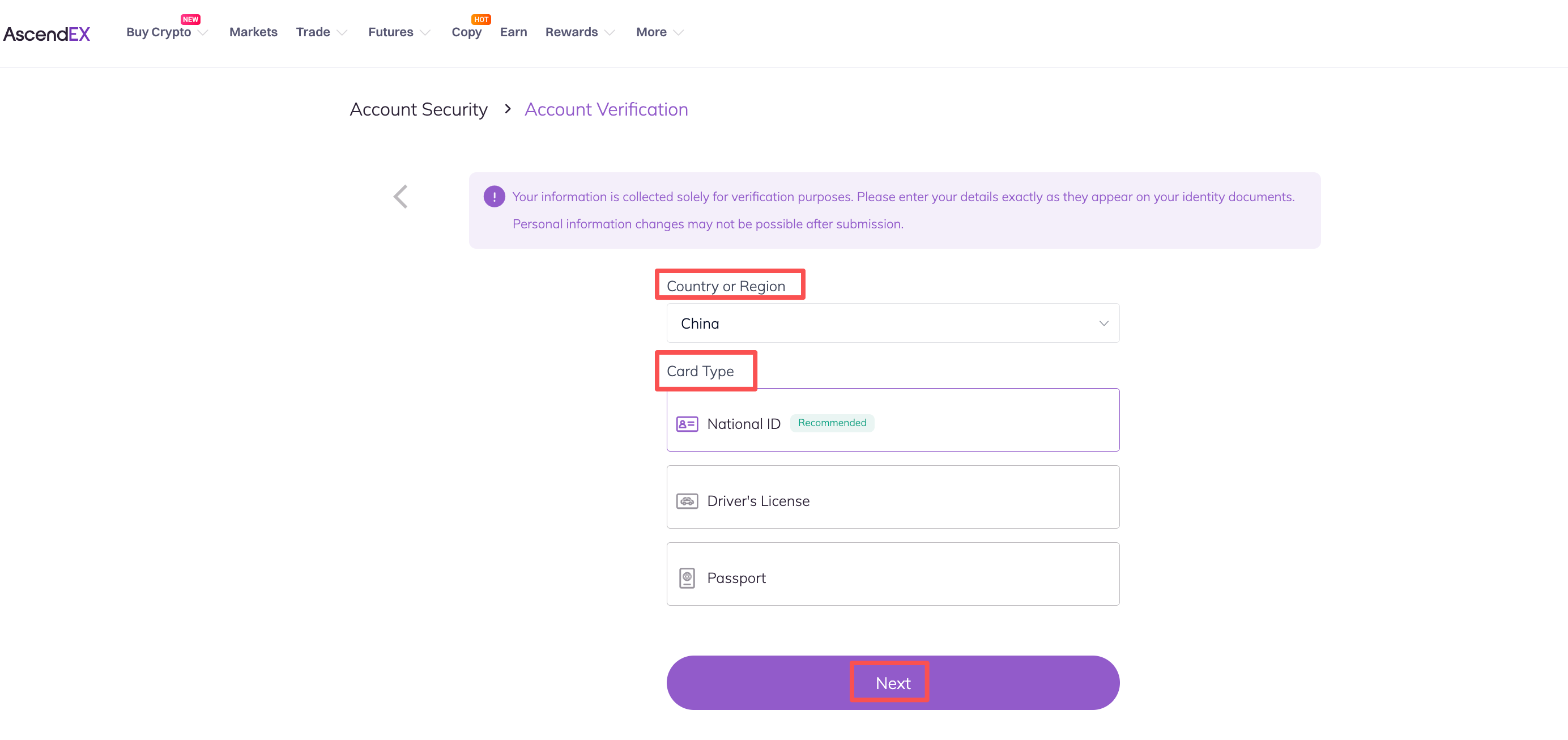
3. Once you are on the Account Verification page, select your country/region ,card type, and click on [Next].
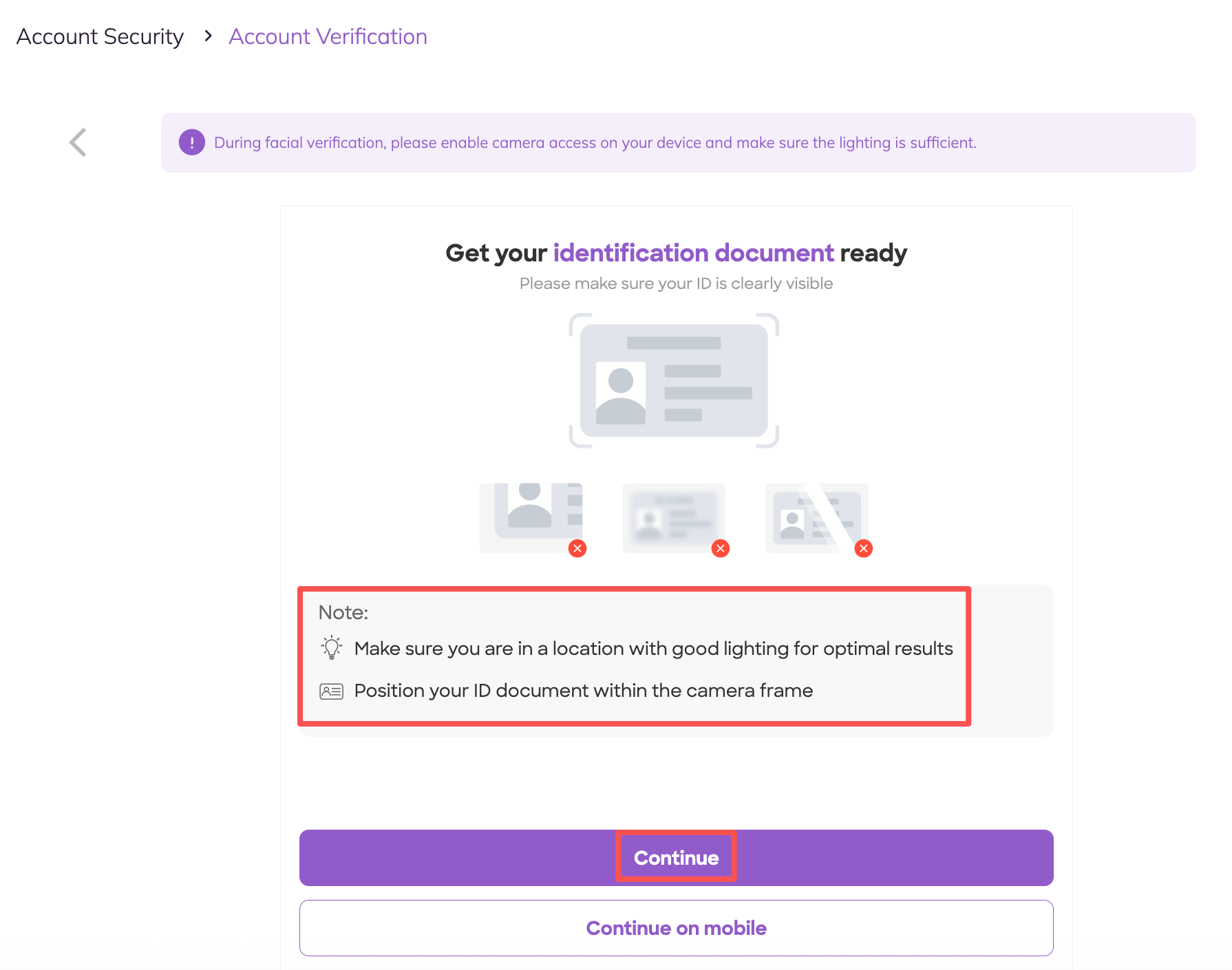
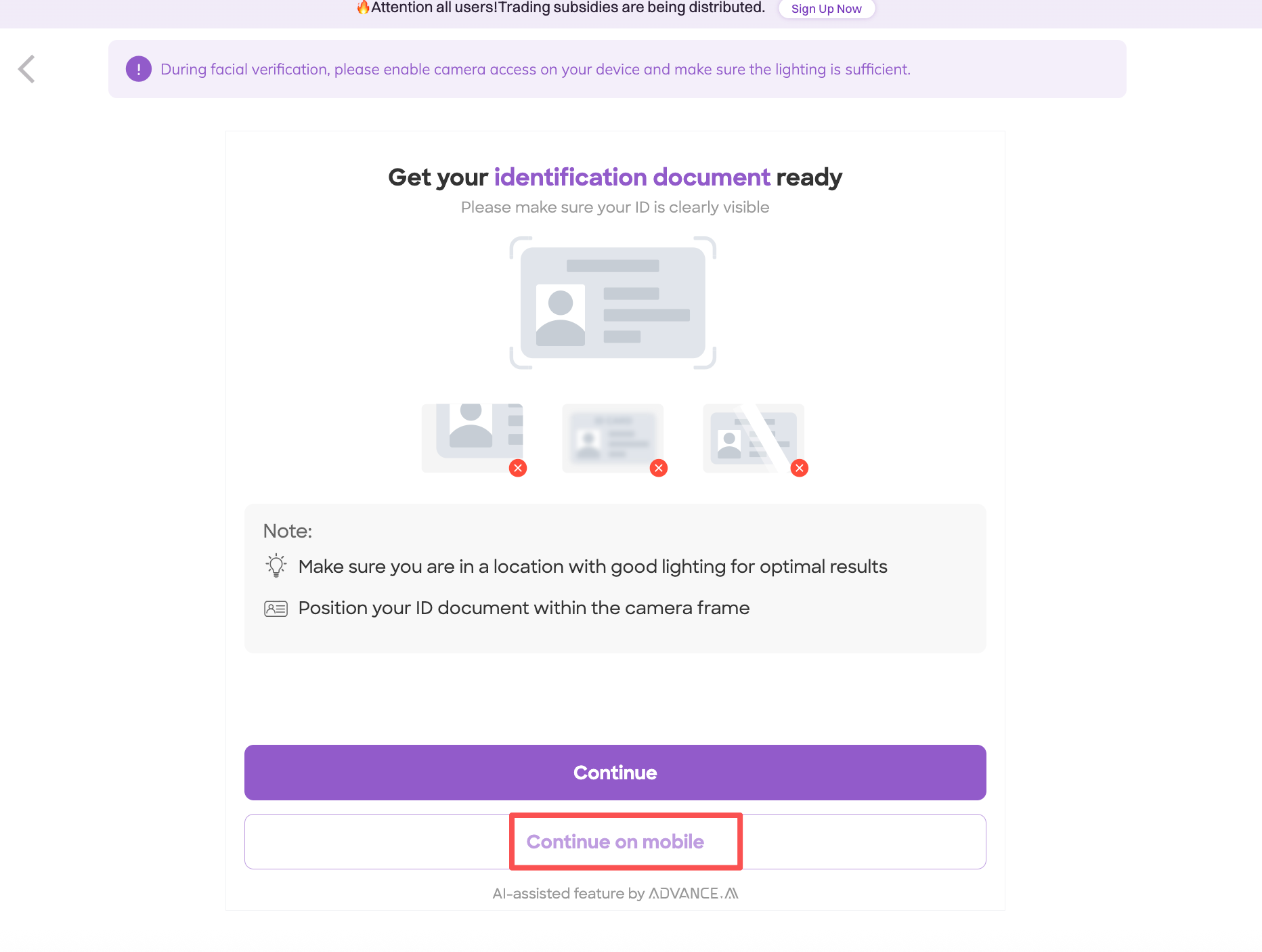
4. Please make sure you have your ID/card ready and then click on Contiune/Continue on mobile
(1)If you choose to click “Continue”
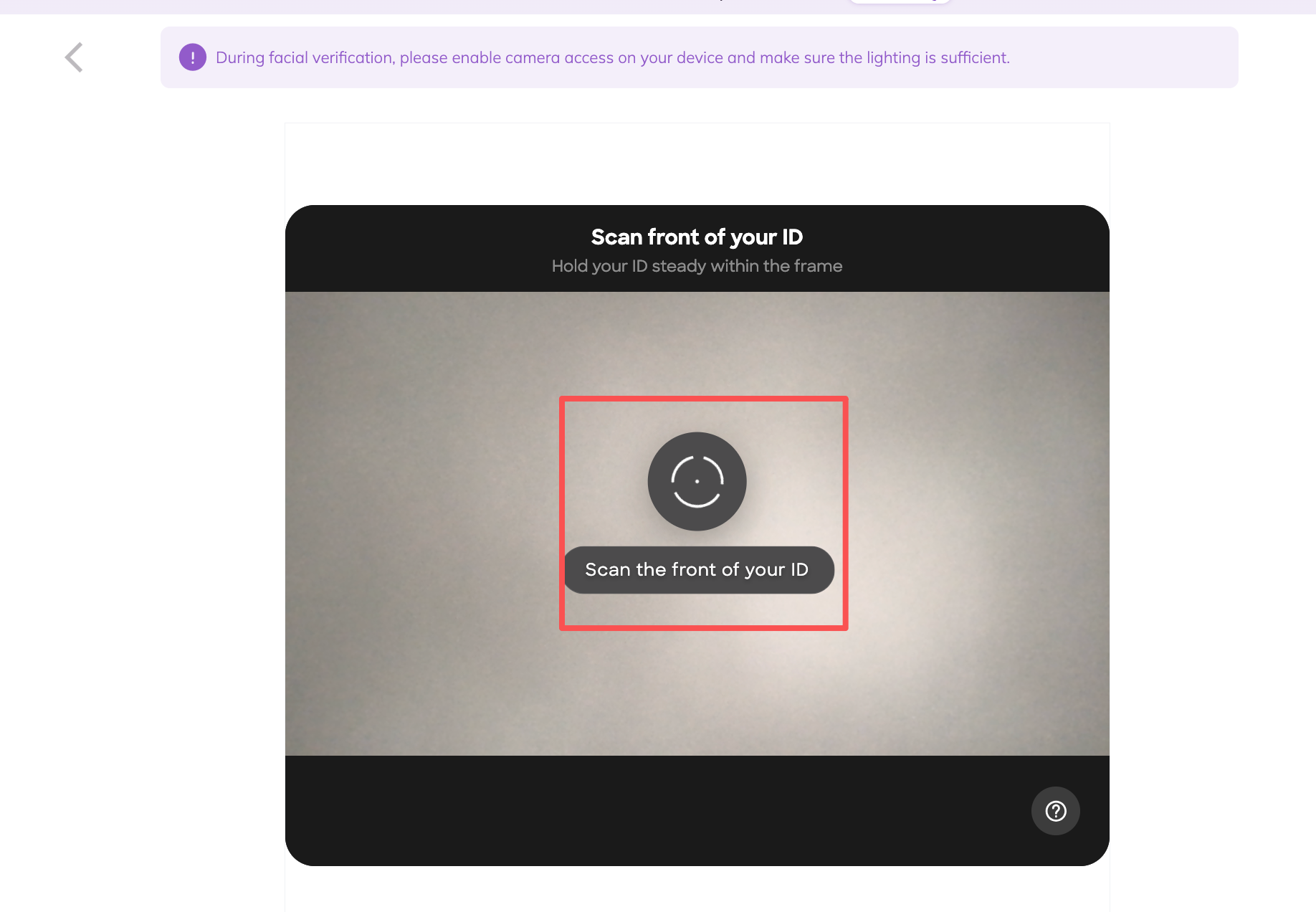
A. Scan your card according to the prompt message
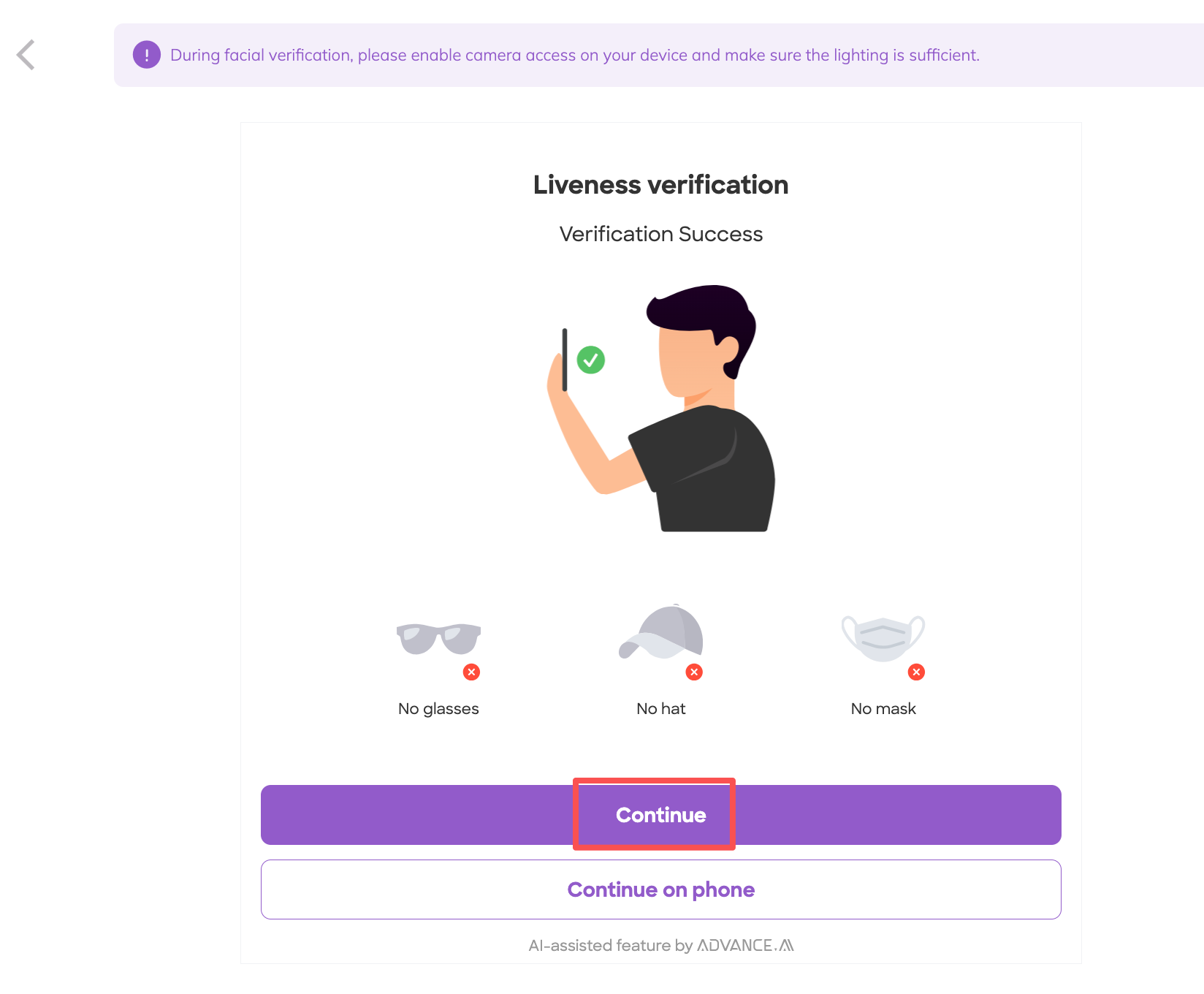
B.Liveness verification, you can choose to click Continue/Continue on phone button.
B(1)If you choose to click Continue button
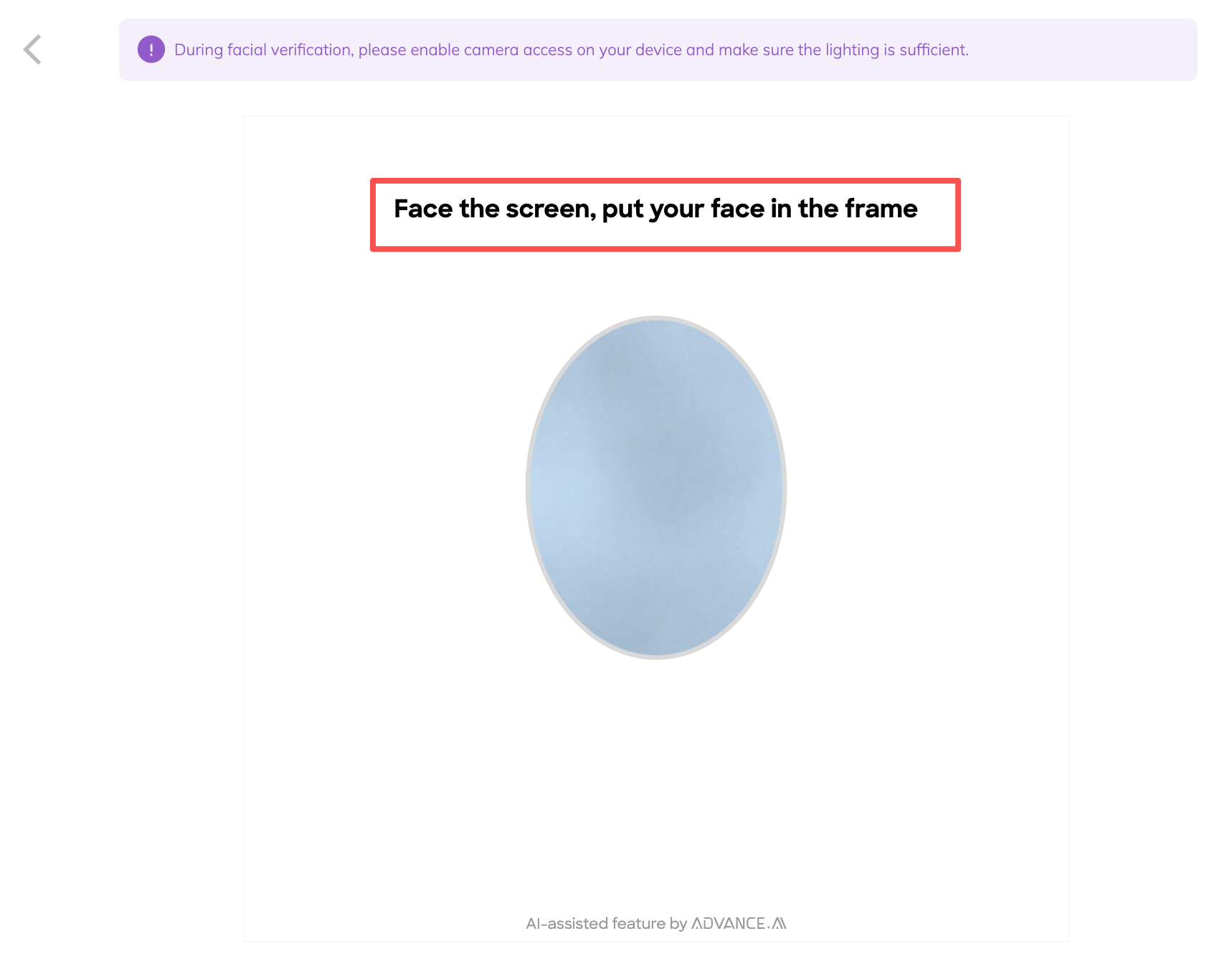
a.Scan your face according to the prompt message
b. Waiting for the page to redirect
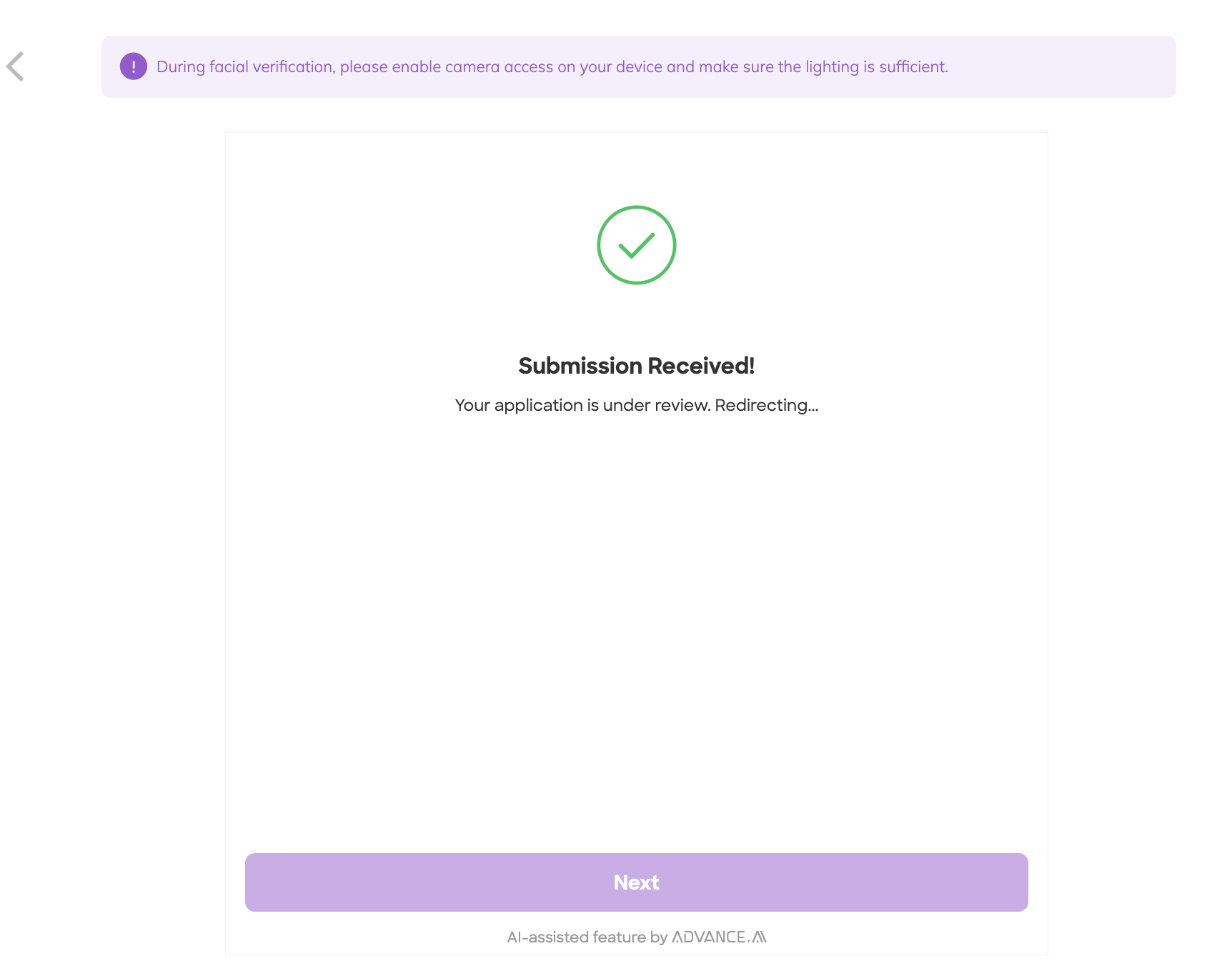
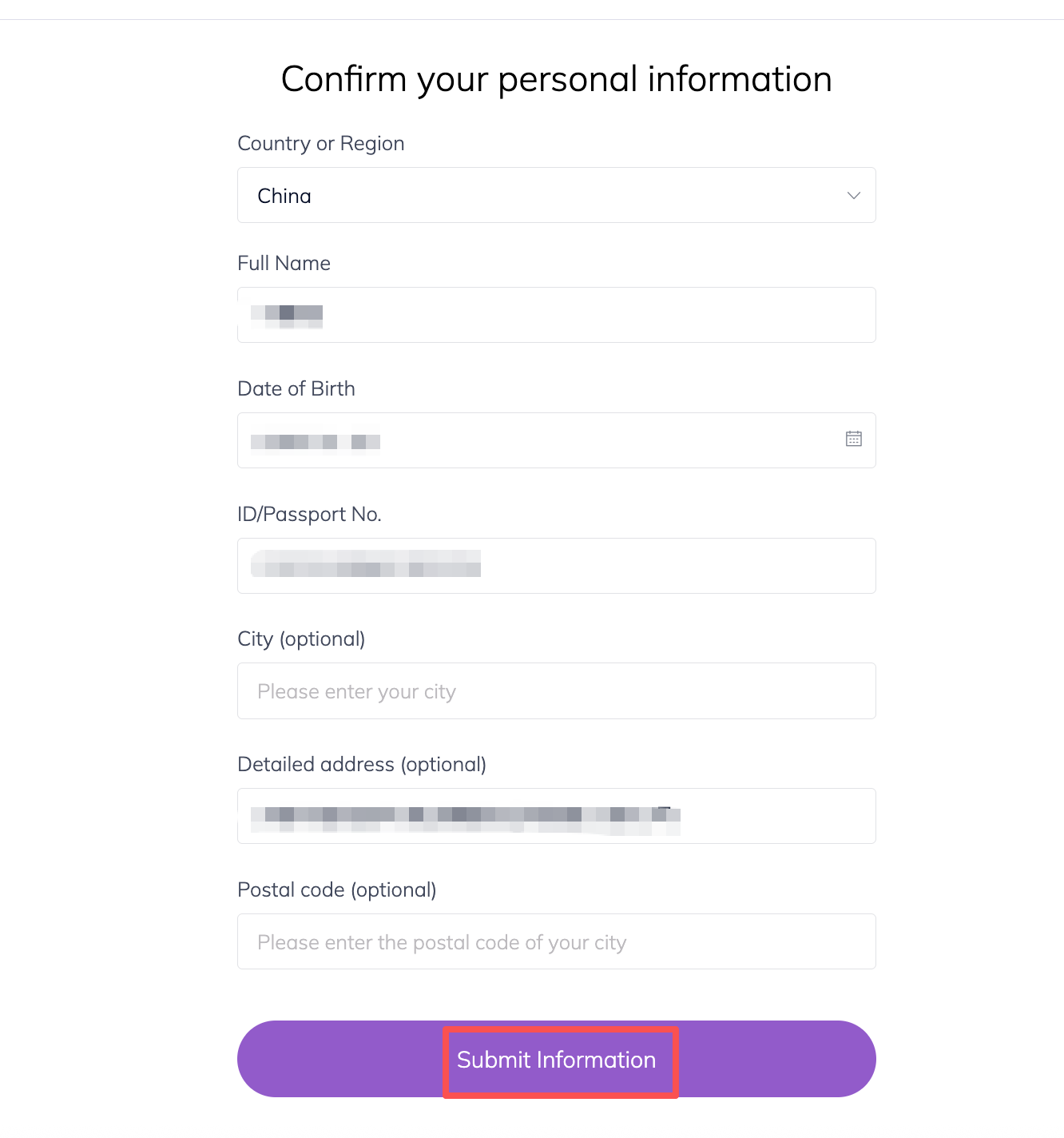
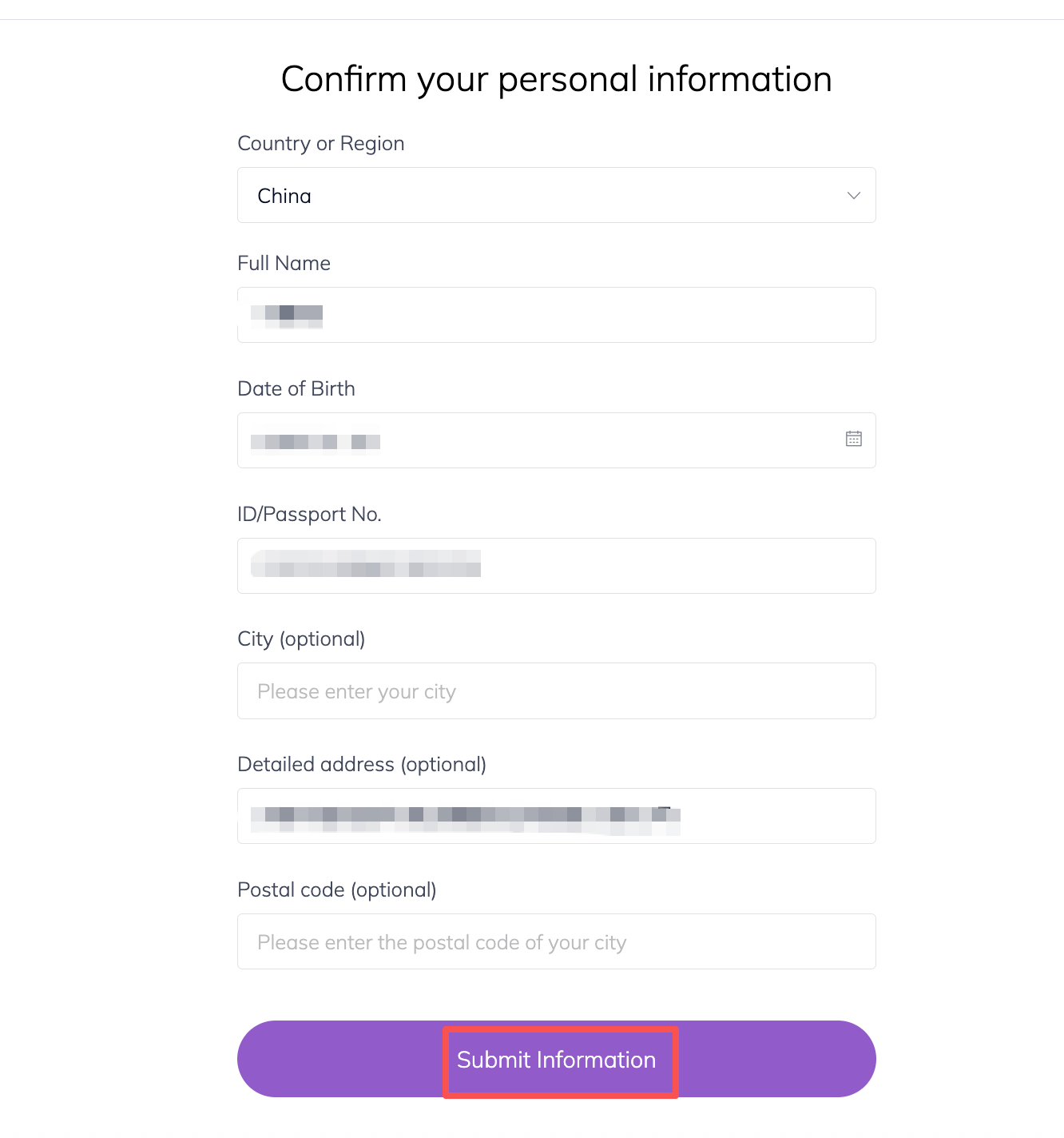
c. Check your personal information, then click Submit Information
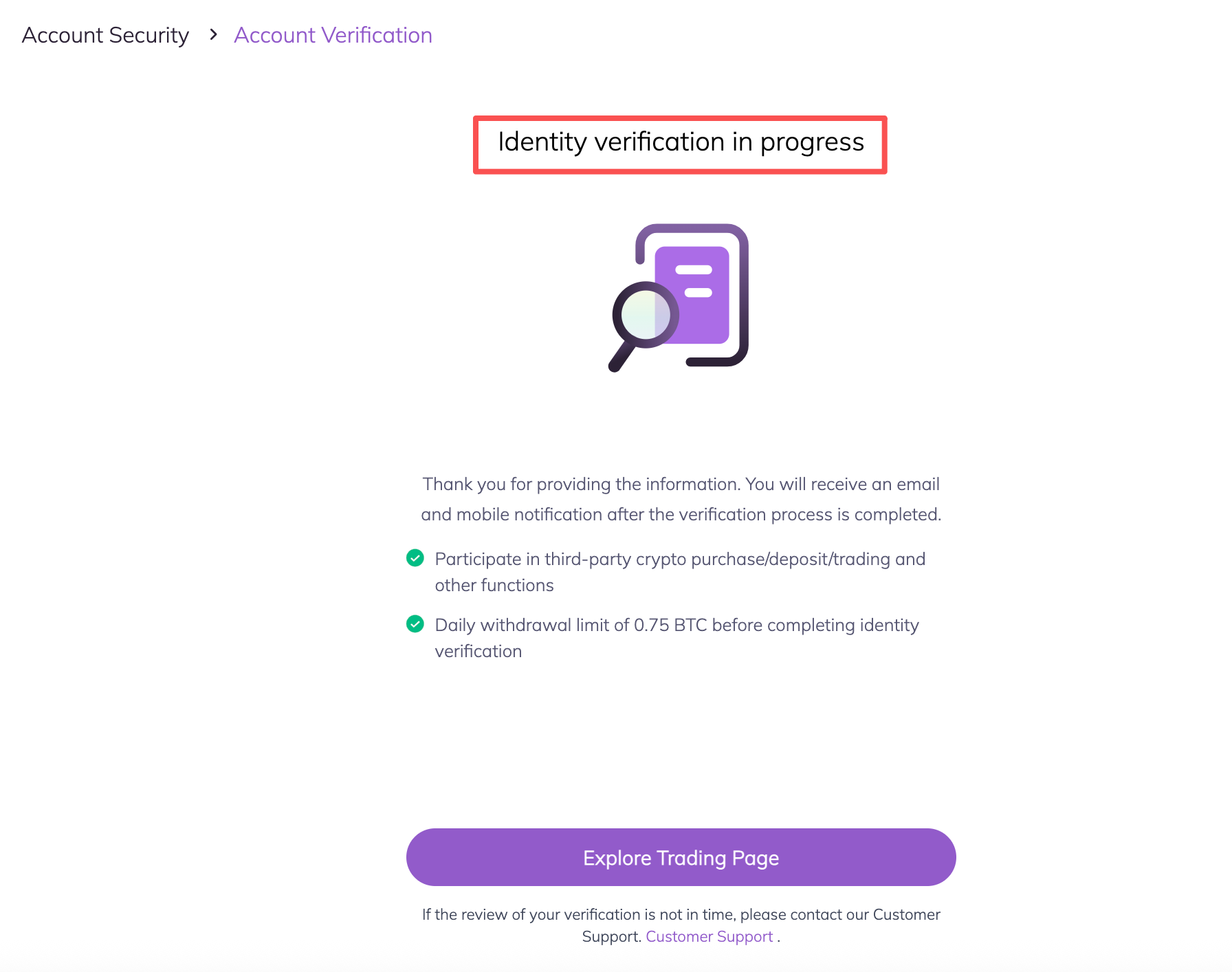
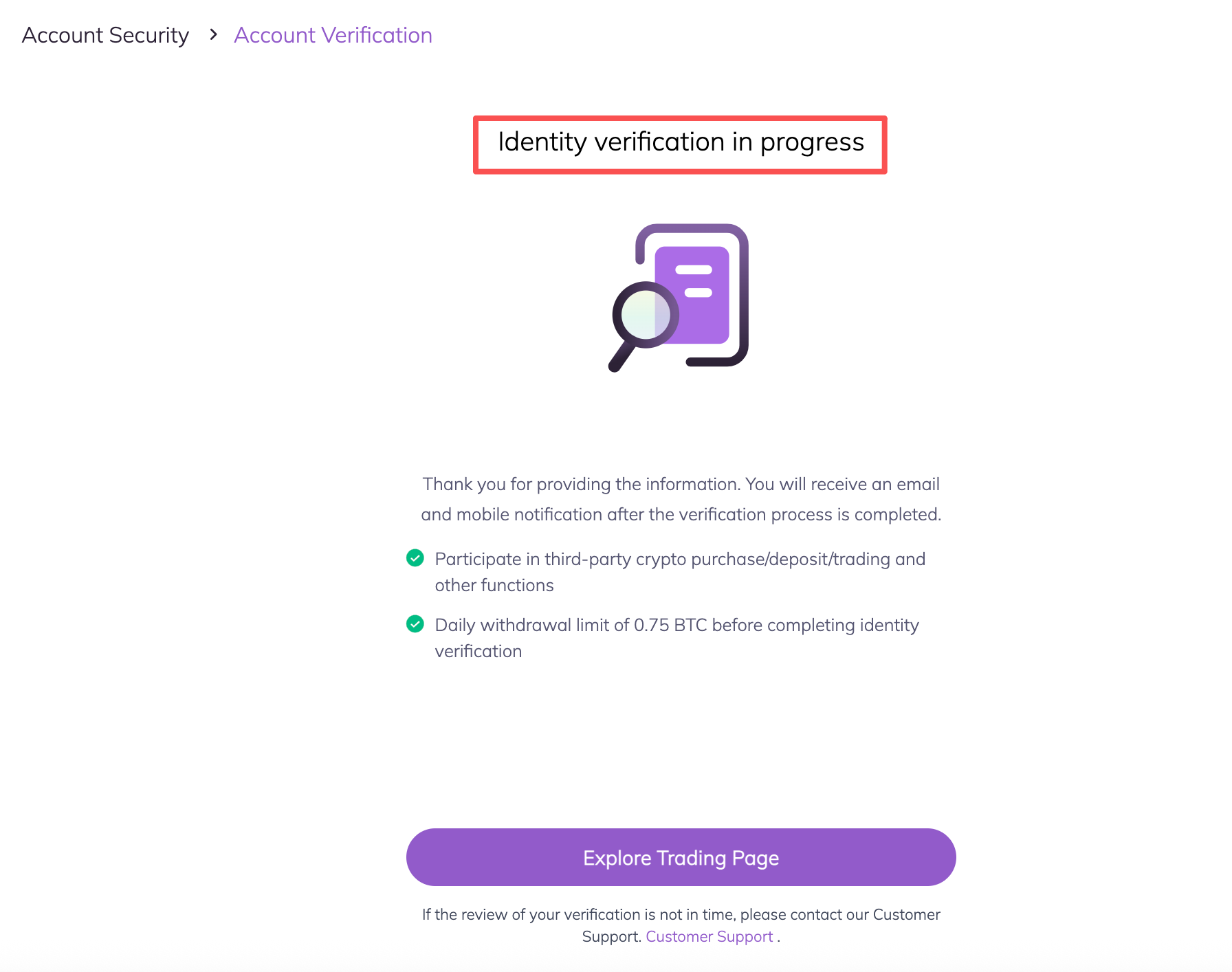
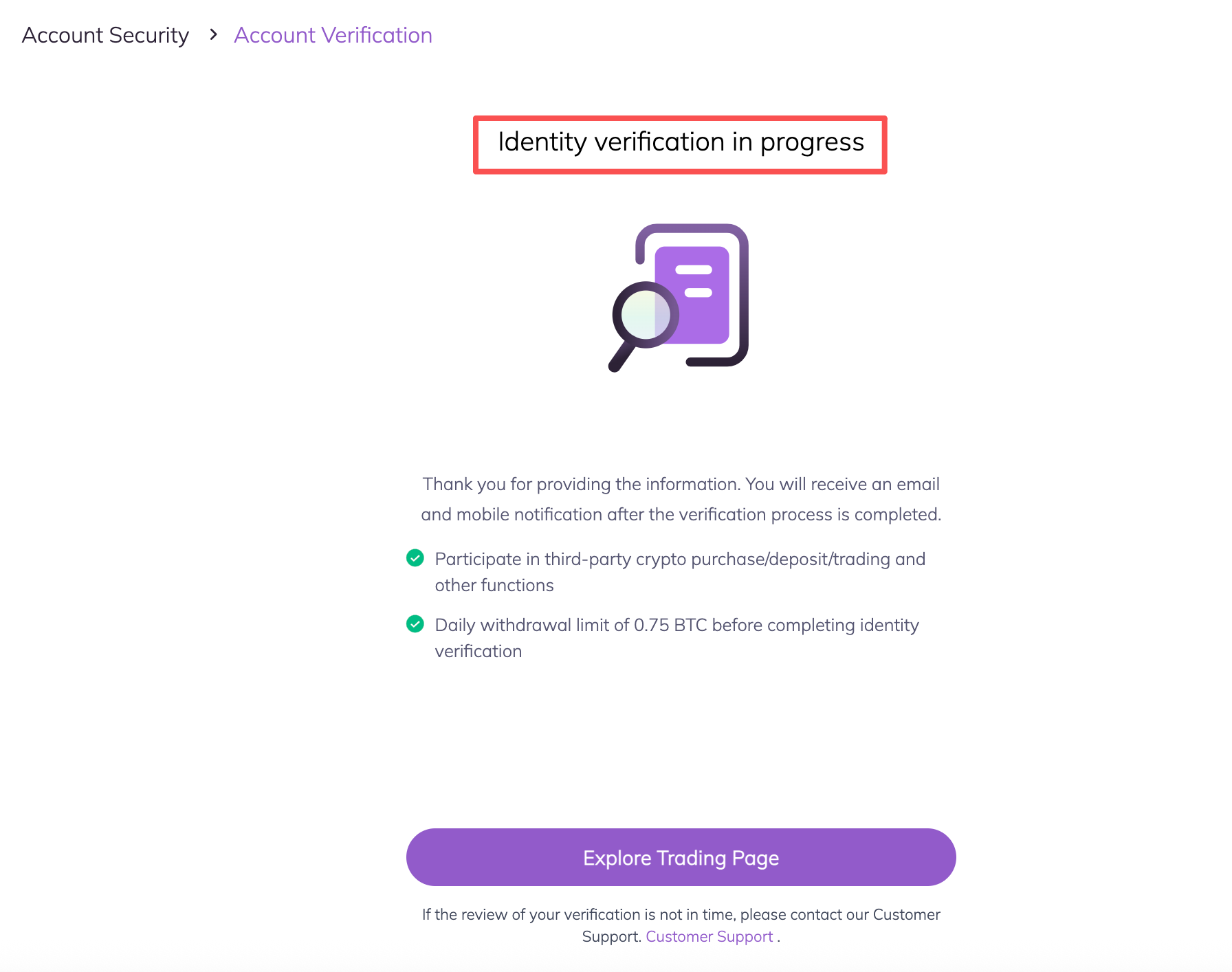
d. Identity verification in progress, Once it is completed, you will have a verified account.
B(2) If you choose to click Continue on phone button
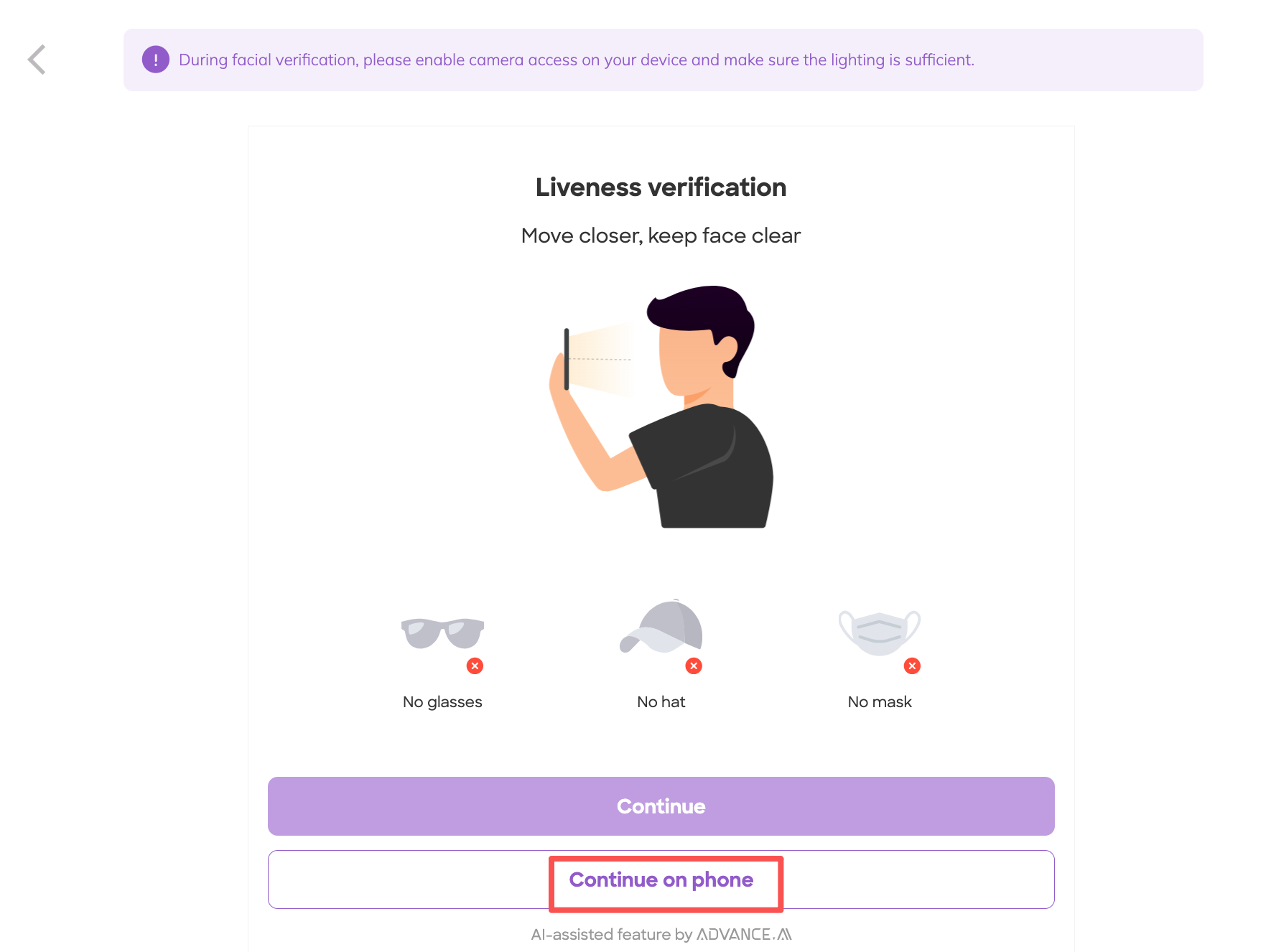
a.Click Continue button on your phone
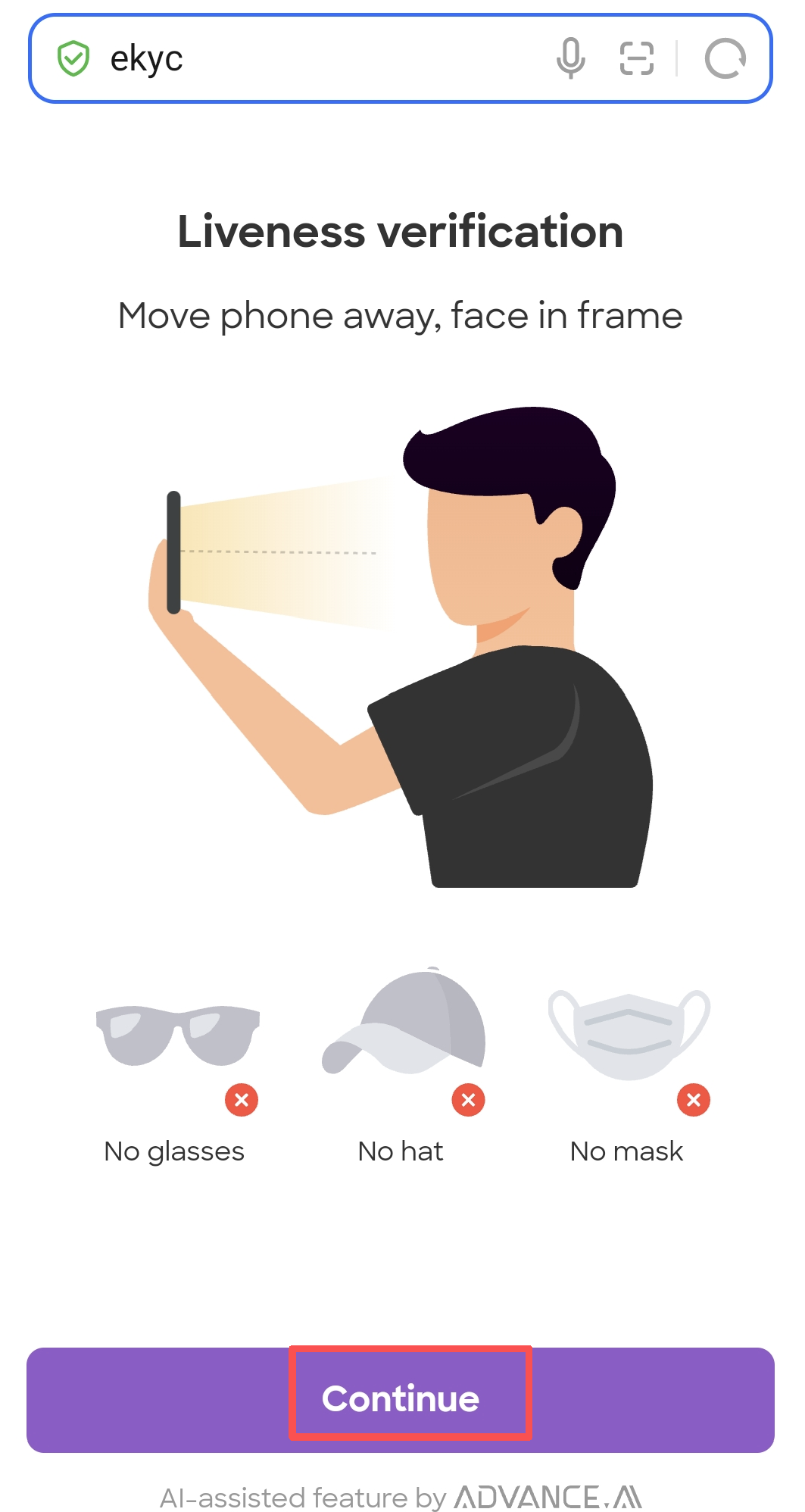
b.Scan your face according to the prompt message
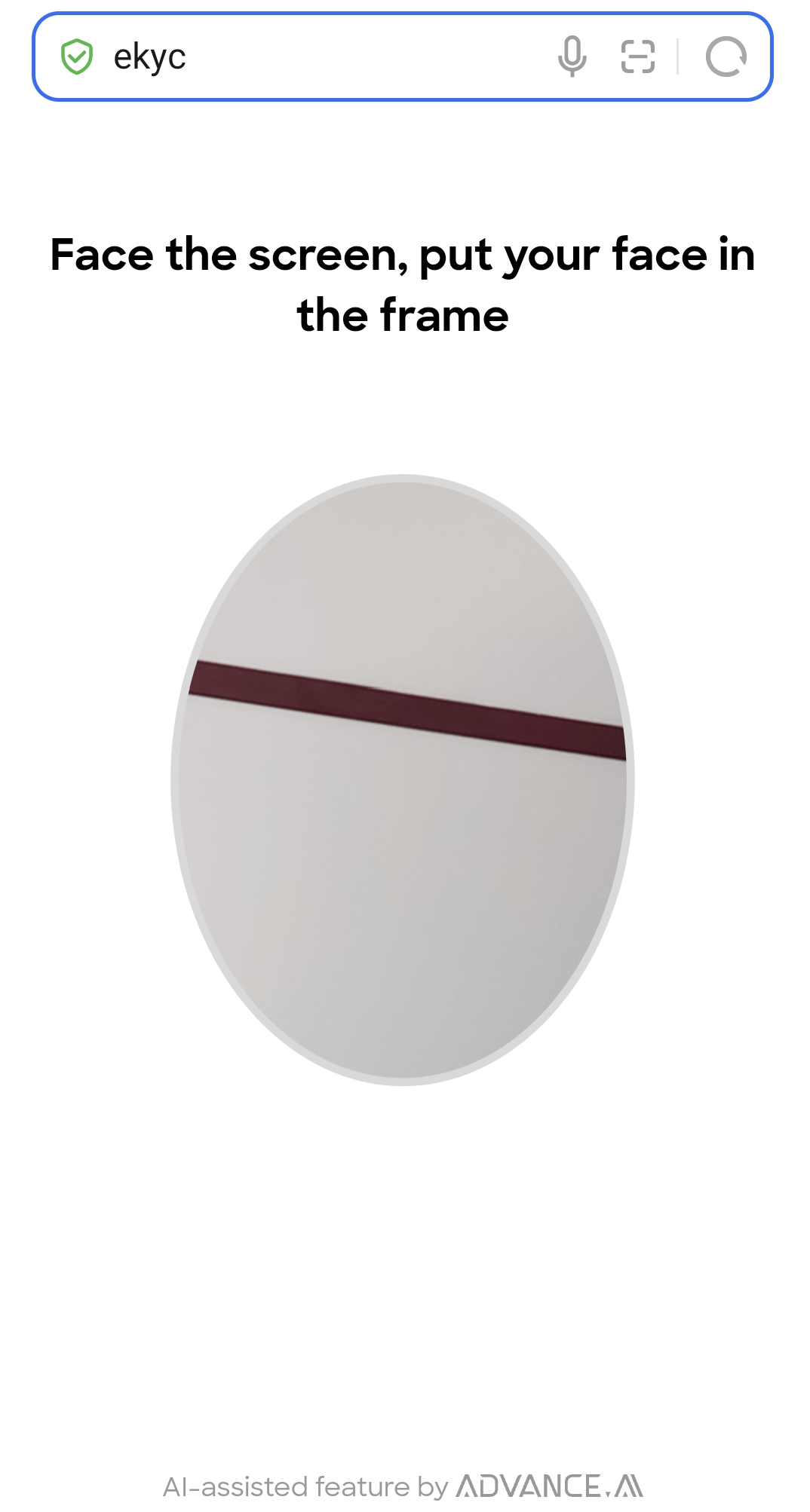
c.Waiting for the page to redirect
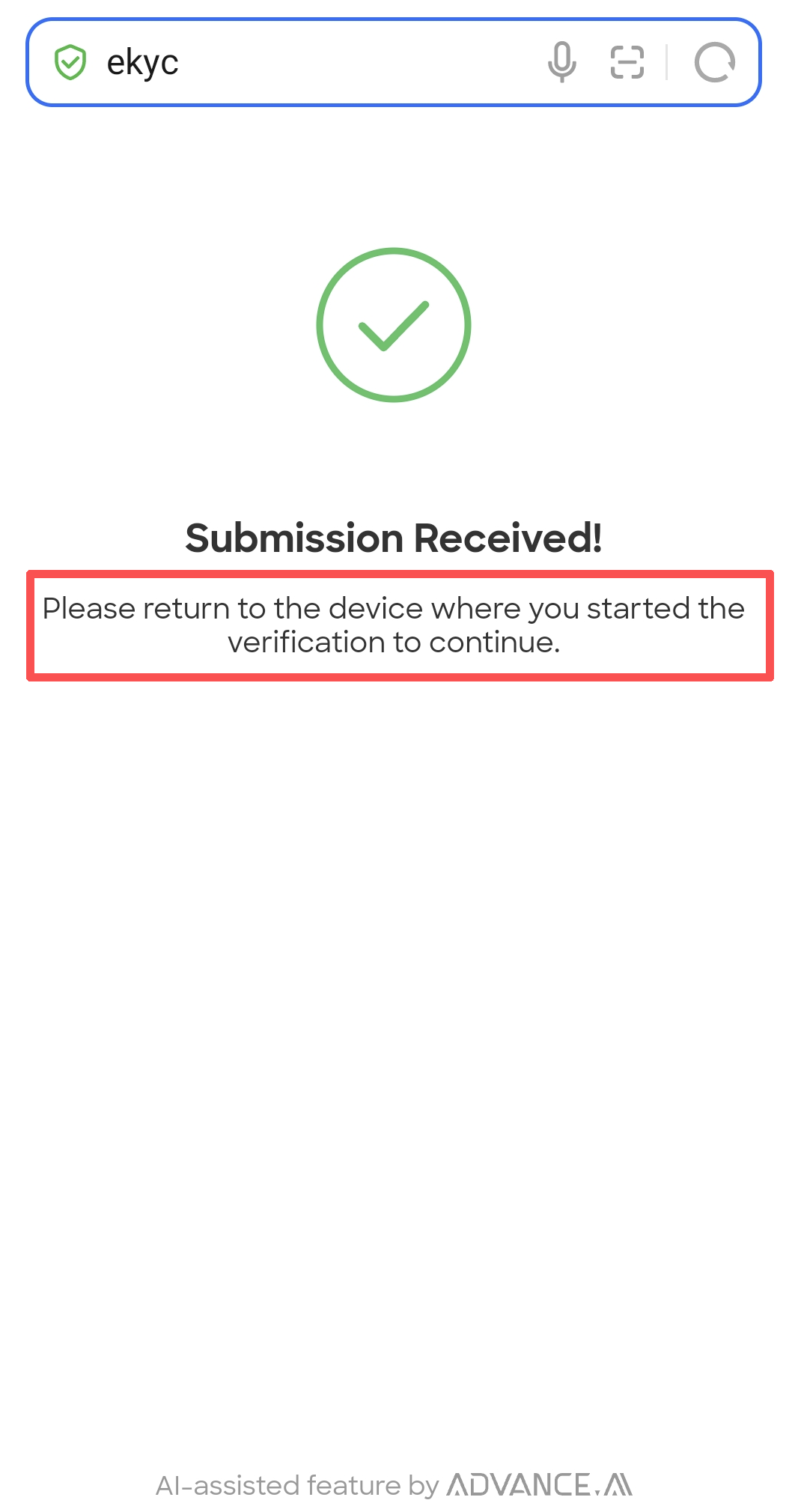
d. Check your personal information, then click Submit Information
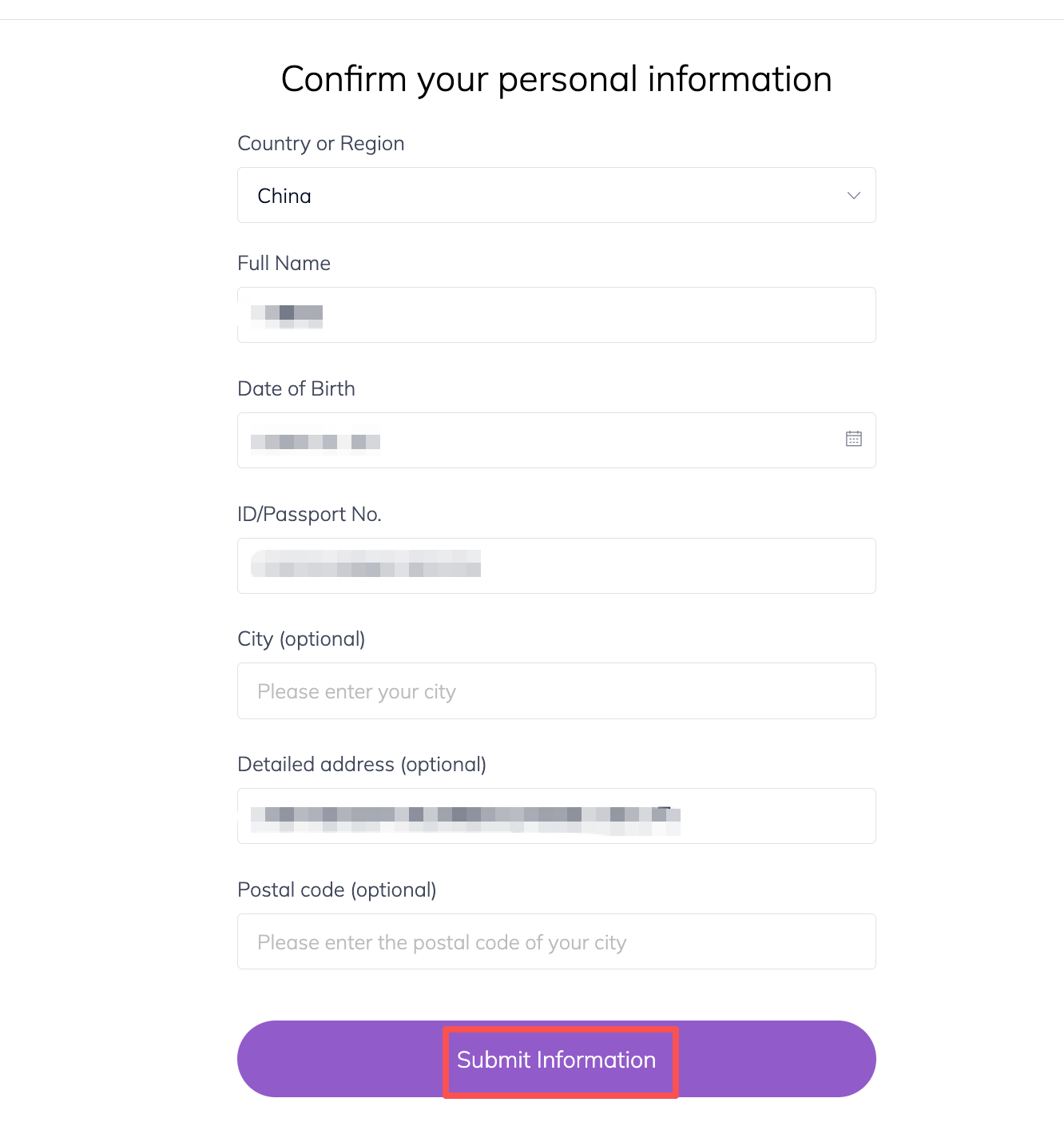
e. Identity verification in progress, Once it is completed, you will have a verified account.
(2)If you choose to use your phone to scan your card, then please click “Continue on Mobile”
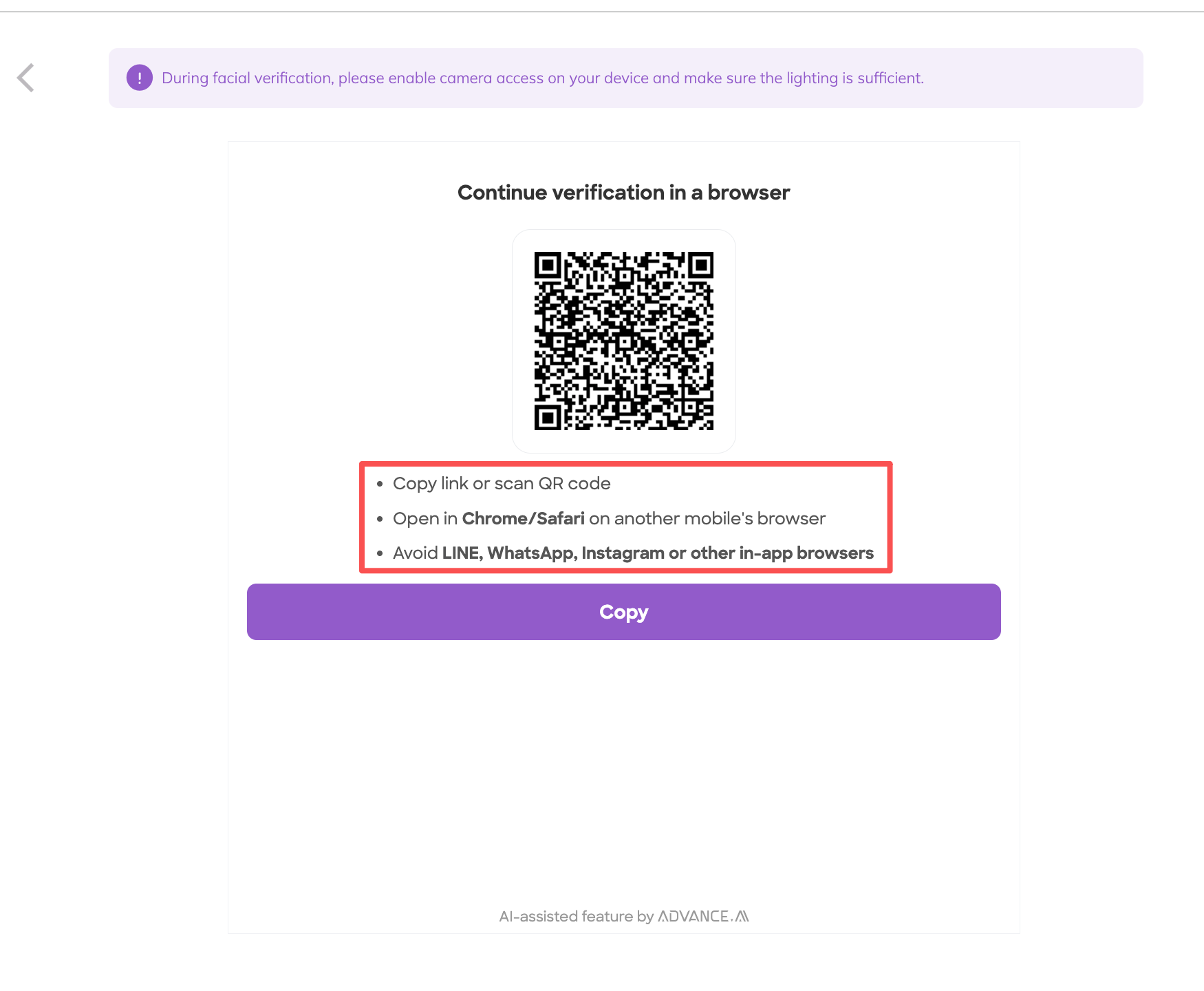
A. Click the Copy button or scan the QR code
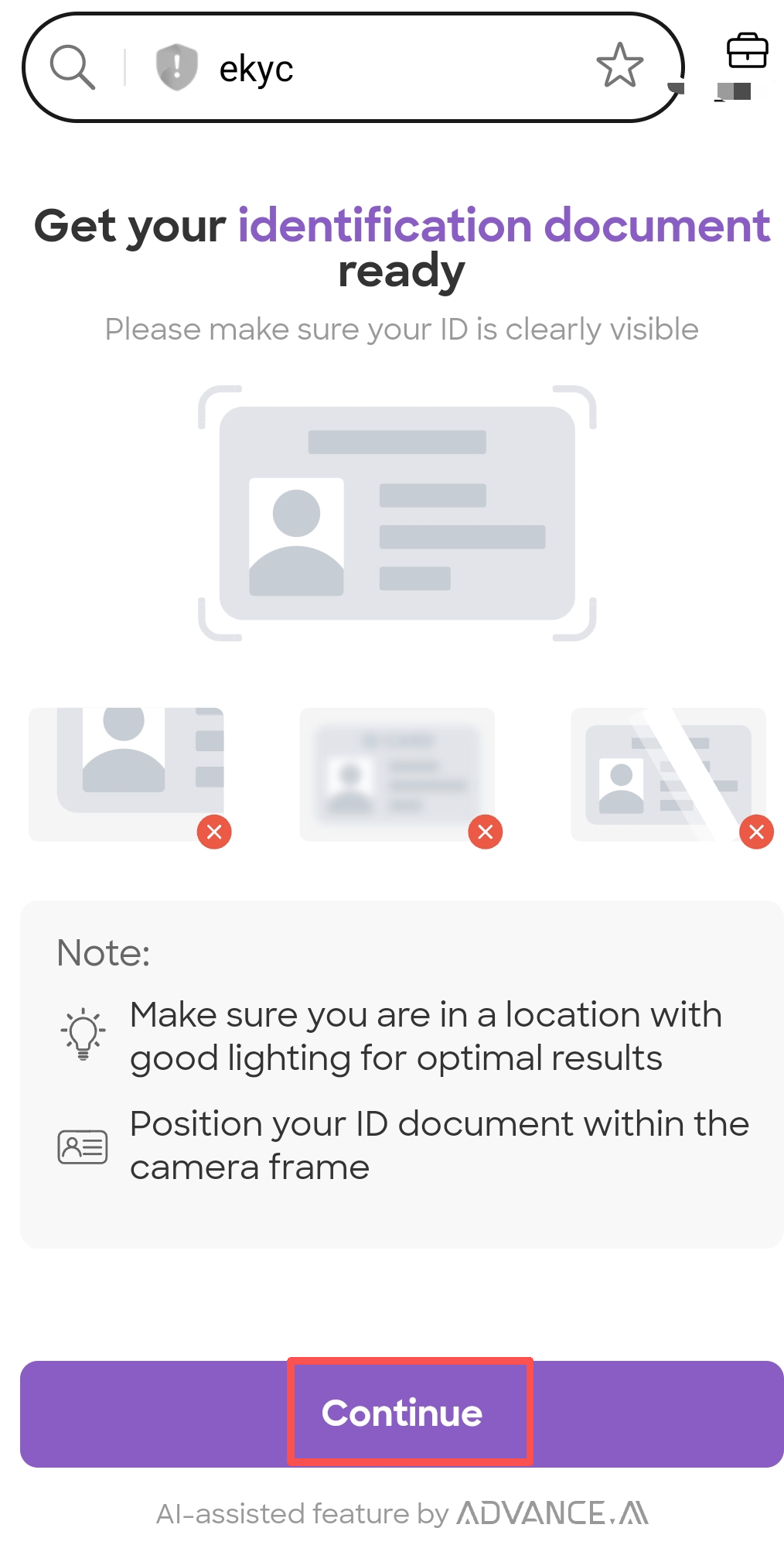
B.Get your identificaction document ready, click Continue button on your phone
C. Scan front and back side of your card.
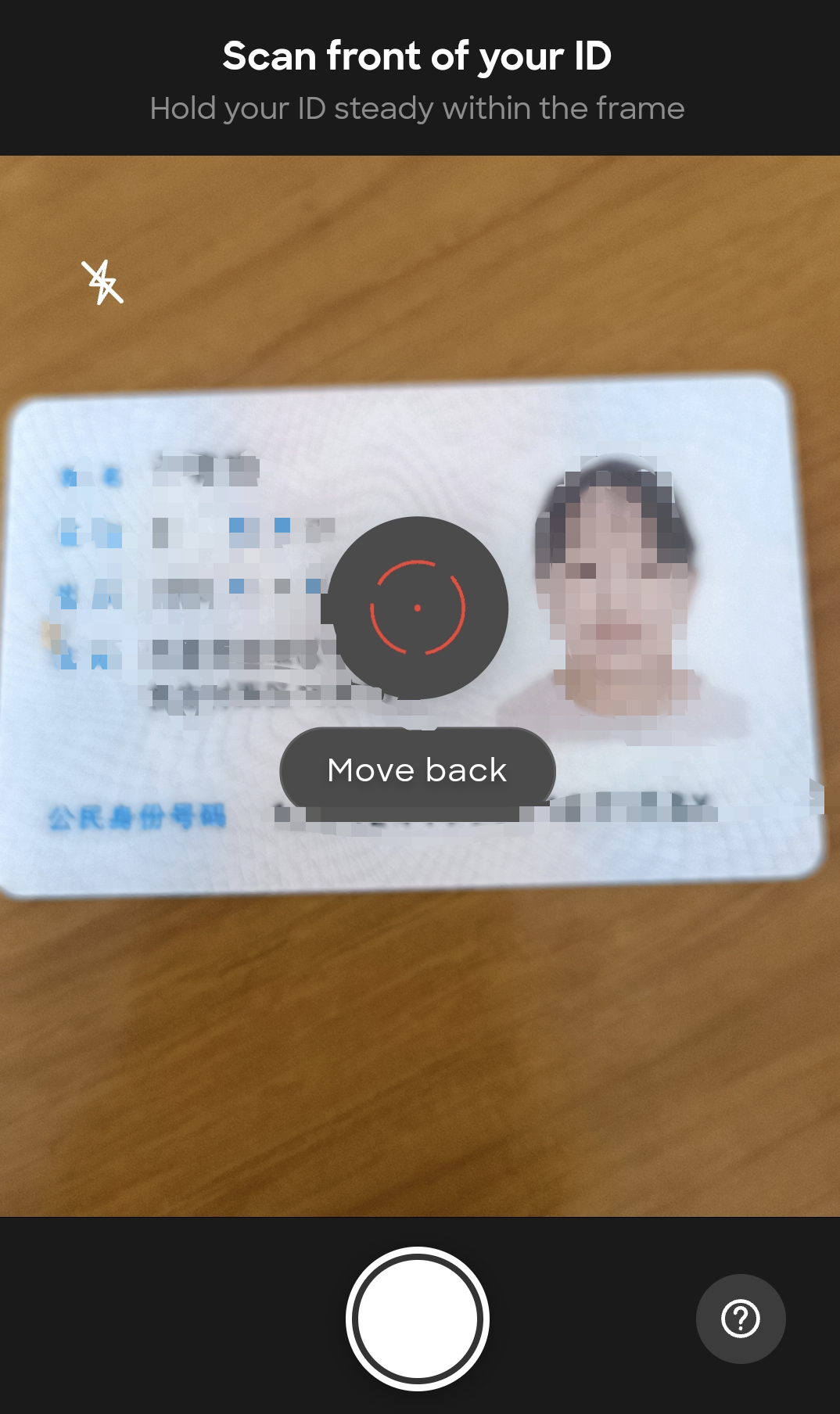
D. To start Liveness verification, plase click the Continue button
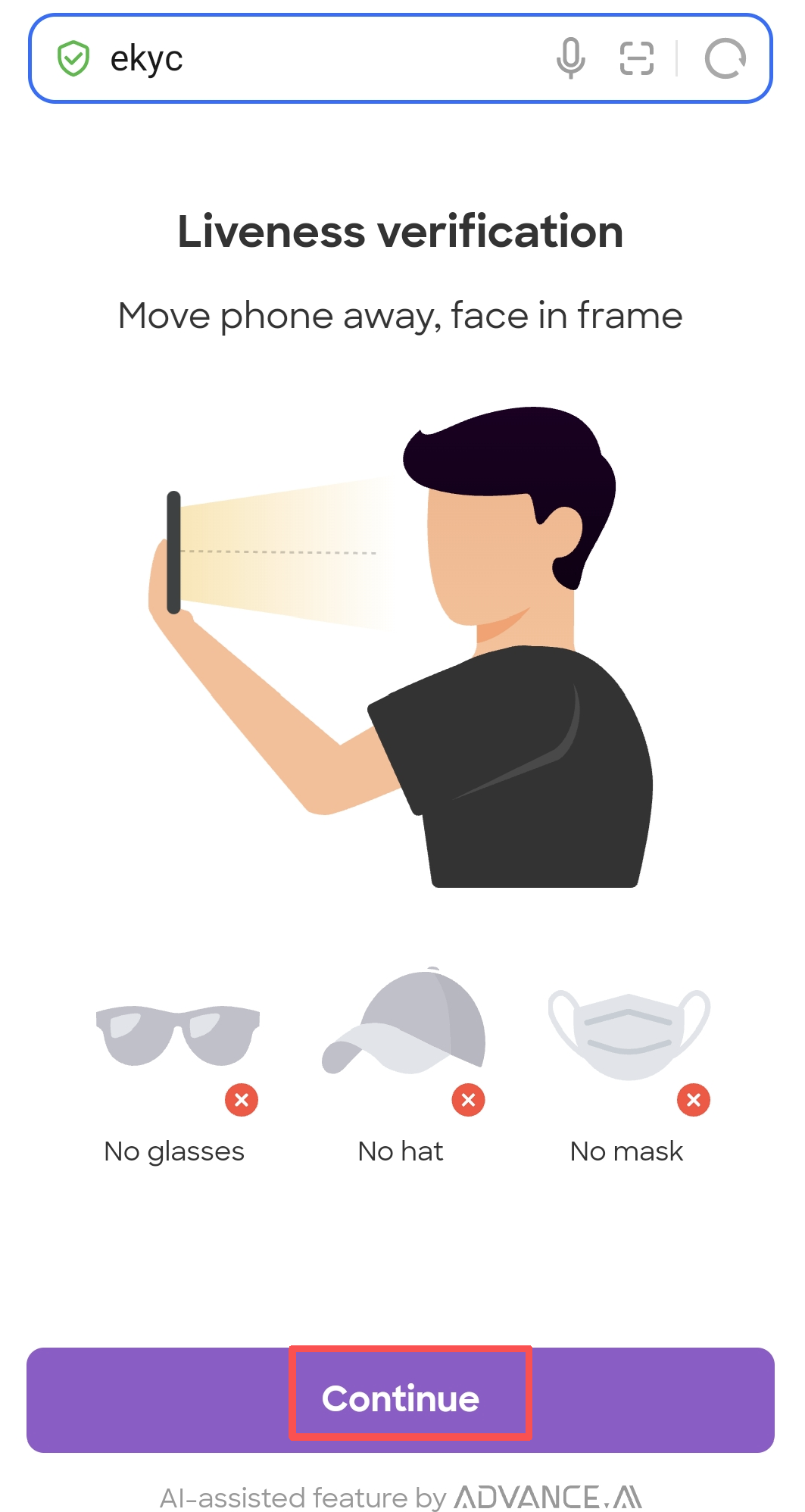
E.Scan your face according to the prompt message
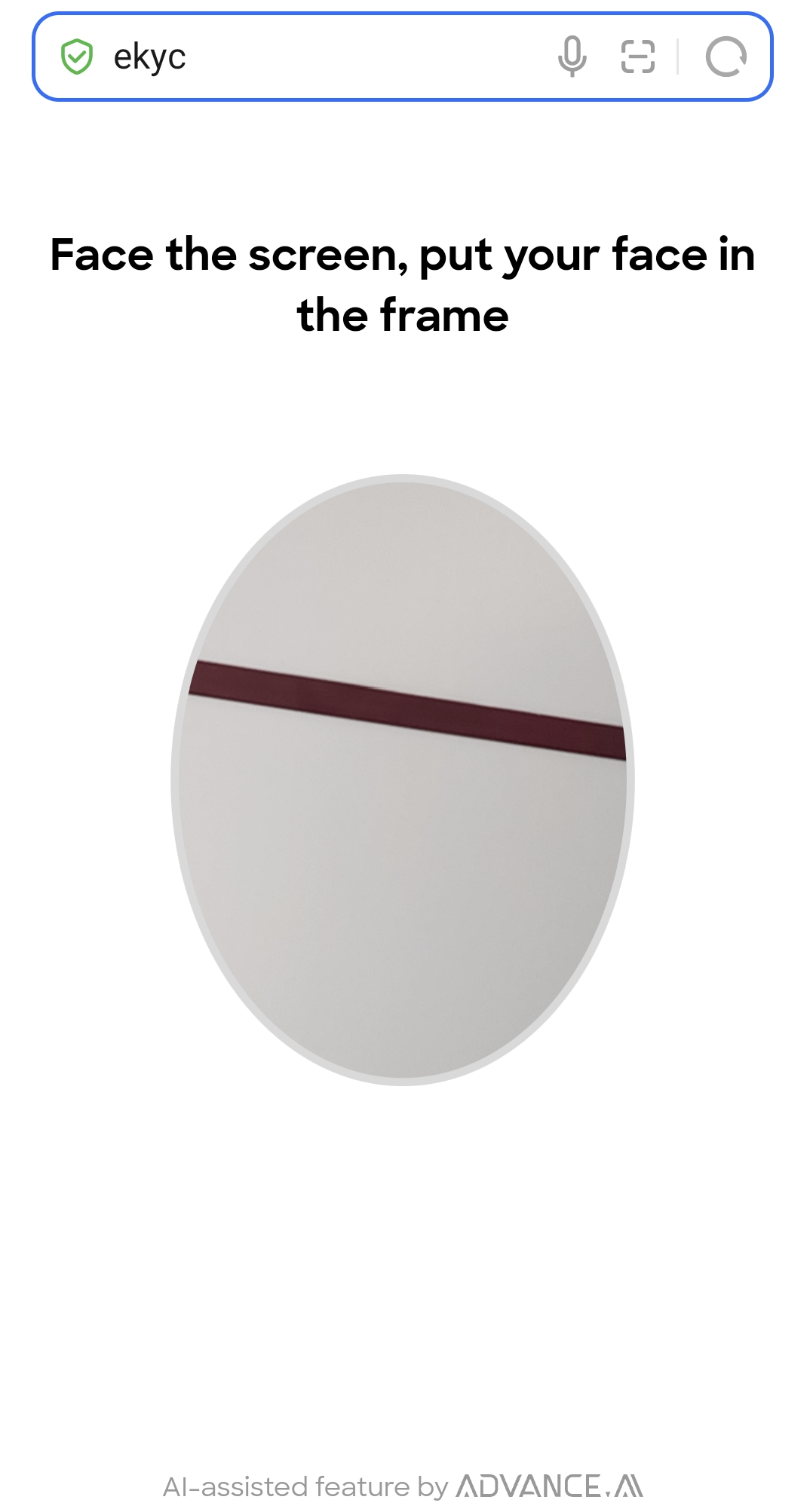
F.Waiting for the page to redirect
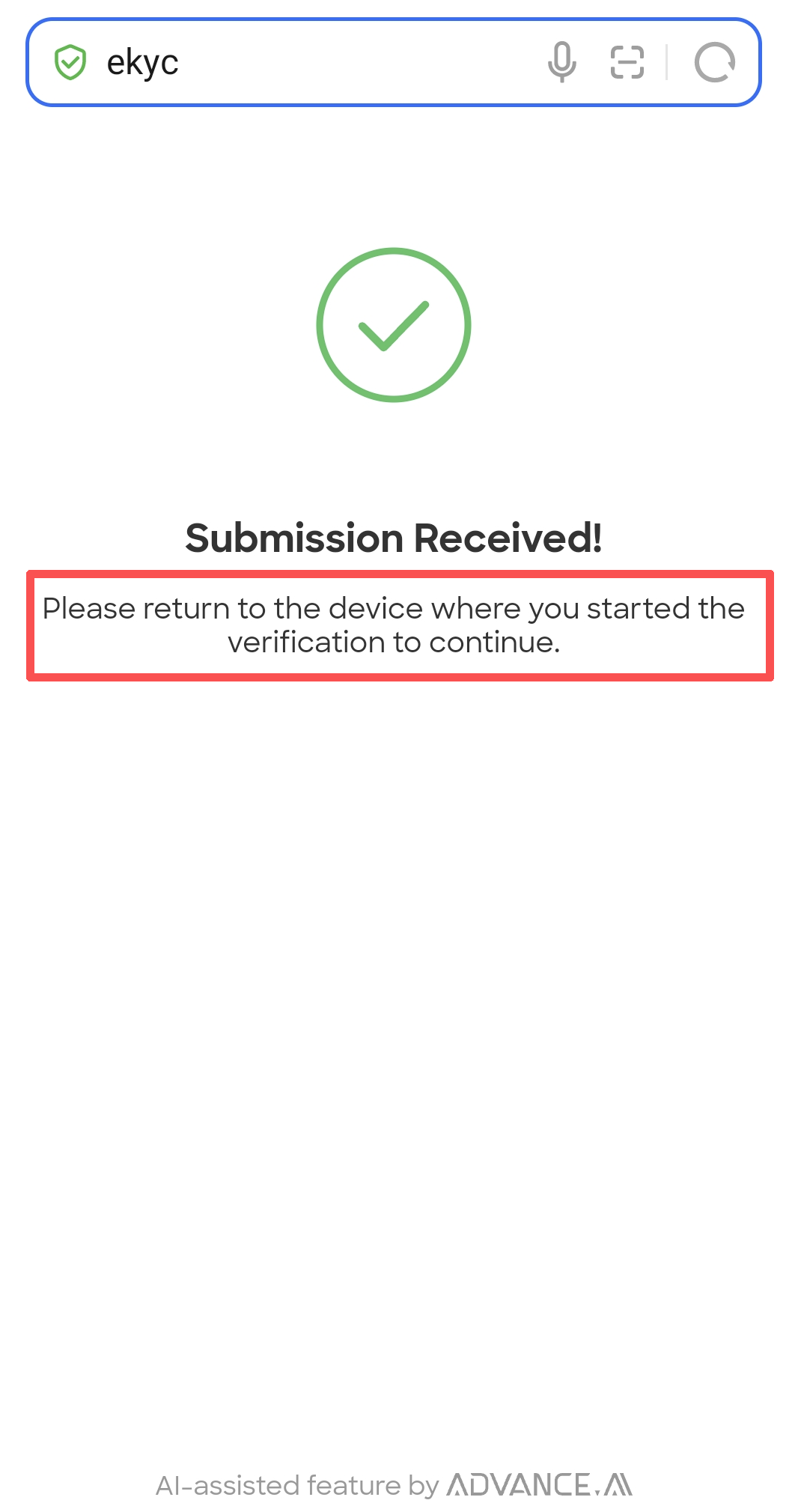
G.Check your personal information, then click Submit Information
H.Identity verification in progress, Once it is completed, you will have a verified account.